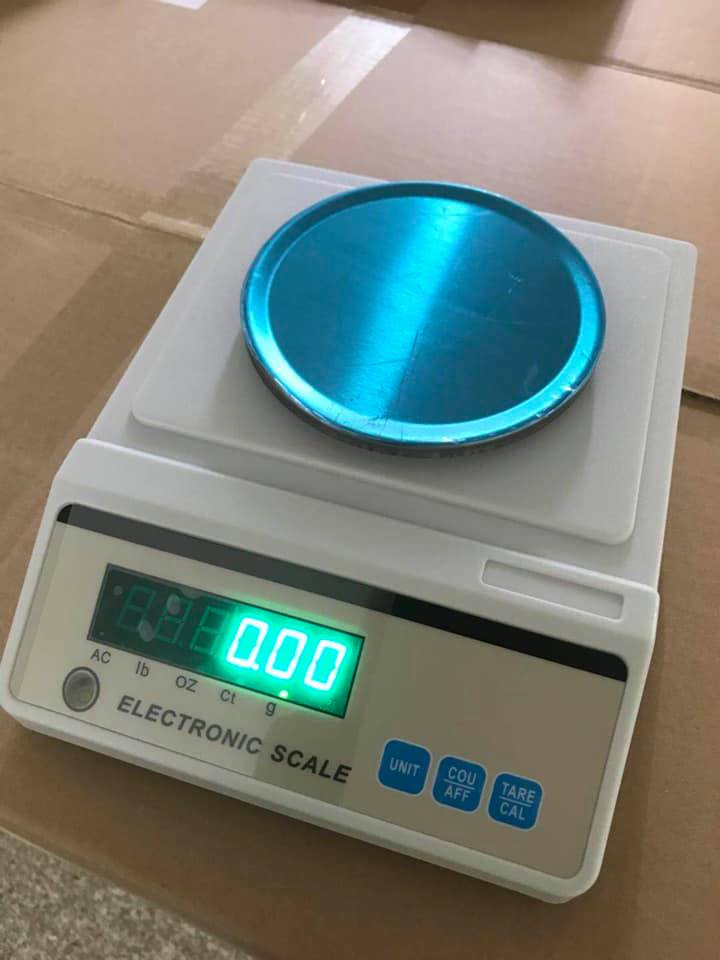
the zero adjustment knob is a feature found almost exclusively on mechanical laboratory balances, such as Triple Beam or Harvard Trip models. On modern digital balances, this mechanical knob has been replaced by the "Zero" or "Tare" button.
1. Function of the Zero Adjustment Knob
On a mechanical balance, the zero adjustment knob (usually a knurled metal screw located at the far end of the beam) physically shifts a small counterweight.
- Purpose: To ensure the balance pointer aligns perfectly with the "0" mark when the weighing pan is empty and all sliding poises (weights) are set to zero.
- When to use: It must be adjusted every time the balance is moved to a new surface or if dust/debris has accumulated on the pan, altering its resting mass.
2. Common Models with Zero Adjustment Knobs (2026)
|
Model |
Type |
Readability |
Capacity |
Features |
|
Ohaus Triple Beam (700 Series) |
Mechanical |
$0.1\text{ g}$ |
$2610\text{ g}$ |
Spring-loaded zero adjust knob; tiered beams for easy reading. |
|
Adam Equipment TBB |
Mechanical |
$0.1\text{ g}$ |
$2610\text{ g}$ |
Robust metal base; magnetic damping for faster stabilization. |
|
Yescom Triple Beam |
Mechanical |
$0.1\text{ g}$ |
$2610\text{ g}$ |
Stainless steel platform; includes expansion weight set. |
|
Ohaus Harvard Trip |
Mechanical |
$0.1\text{ g}$ |
$2000\text{ g}$ |
Two-pan design for comparative weighing; sliding tare poise. |
3. Mechanical vs. Digital: The "Zero" Difference
In 2026, the term "Zero" is handled differently depending on the technology:
- Mechanical Knob: Physically changes the center of gravity of the beam. This is a permanent mechanical calibration for that specific environment.
- Digital Zero Button: Electronically resets the display to $0.000\text{ g}$ but does not physically move any parts.
- Digital Tare Button: Subtracts the weight of a container (like a beaker). Unlike "Zeroing," taring uses up a portion of the balance's total capacity.
4. How to Correctly Zero a Mechanical Balance
- Clear the Pan: Ensure the weighing pan is completely empty and clean.
- Reset Poises: Move all sliding weights (poises) to their furthest left positions (the zero marks).
- Wait for Stillness: Let the pointer swing settle. If it stops above or below the zero line, you must adjust.
- Turn the Knob: * Turn Clockwise if the pointer is too high.
- Turn Counter-Clockwise if the pointer is too low.
- Verify: Give the pan a light tap and wait for it to settle again to ensure it consistently returns to the zero mark.
5. Why use a Mechanical Balance in 2026?
Despite the prevalence of touchscreens, mechanical balances with adjustment knobs remain popular in 2026 for:
- STEM Education: They teach students the physical principles of mass and torque.
- Field Work: They require no electricity or batteries, making them ideal for remote environmental testing.
- Explosive Environments: Since they have no electronic components, they are naturally "intrinsically safe" in labs with flammable vapors.