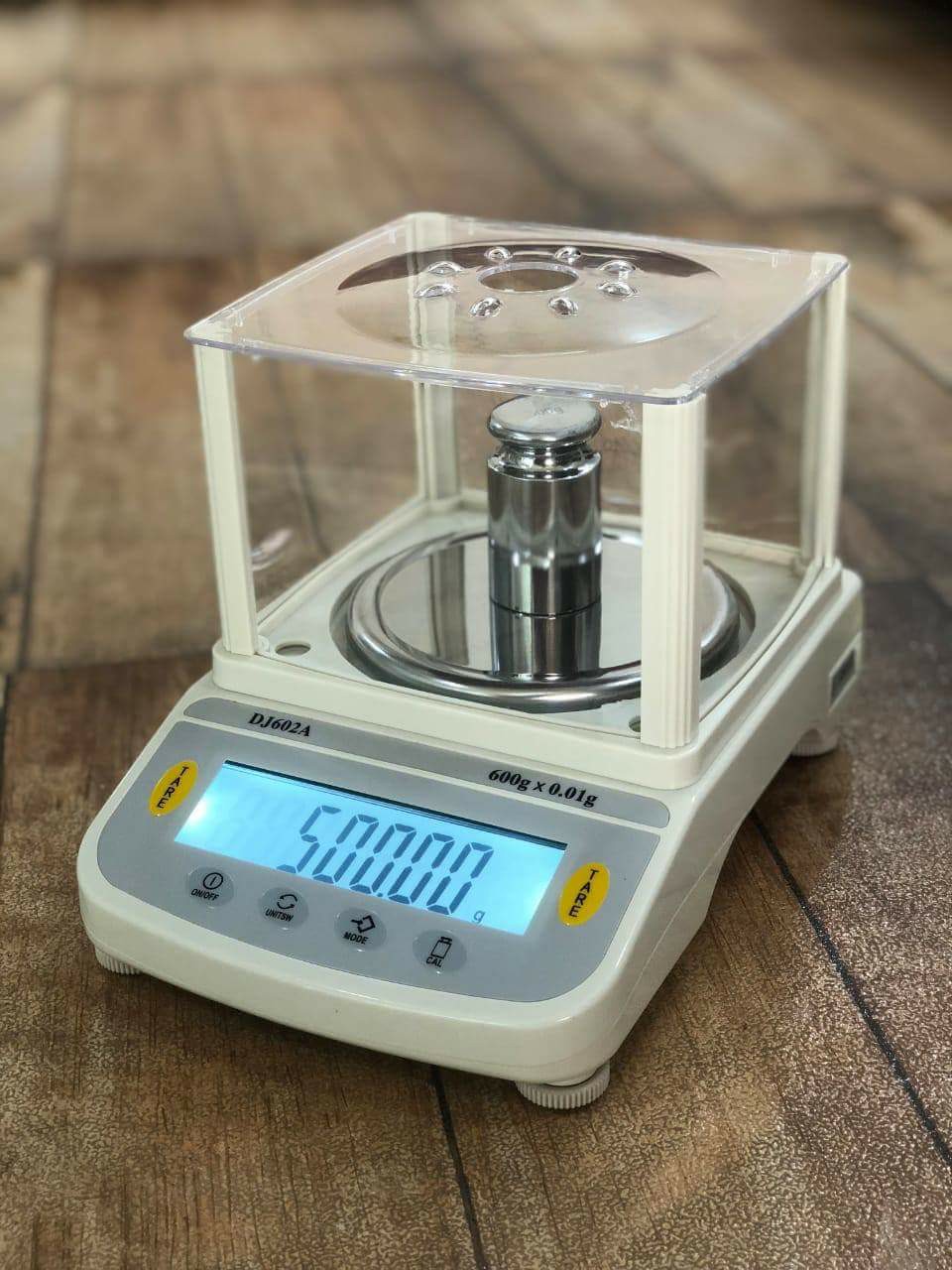
In 2026, the term "optional USB interface" in analytical balances usually refers to a modular design where the base unit includes standard serial ports (RS-232), but can be upgraded with a plug-in USB module or a specialized cable.
This modularity is preferred in labs that need to switch between legacy printers and modern PC/LIMS connections.
1. Recommended Balances with Optional/Modular USB
|
Model |
USB Type |
Configuration |
Connectivity Advantage |
|
Mettler Toledo MR |
USB-A & B |
Standard + Optional Wi-Fi/BT |
Seamlessly connects to "EasyDirect" software for paperless results. |
|
Sartorius Cubis II |
USB-A, B, C |
Modular Interface Ports |
High-end modularity; can add Ethernet or WLAN via the same port. |
|
Radwag AS PLUS |
USB-A & C |
Standard + Optional Wi-Fi |
Includes 2x USB-A (side/rear) and 1x USB-C for maximum flexibility. |
|
A&D Apollo |
Bidirectional USB |
Standard (Quick USB) |
"Quick USB" mode allows data transfer to Excel without any software. |
|
Ohaus Explorer |
USB & RS-232 |
Standard + Optional Ethernet |
Detachable terminal makes USB access easier in fume hoods. |
2. Why "Optional" Modular Interfaces?
- Future-Proofing: If your lab upgrades from a stand-alone printer to a cloud-based LIMS, you can simply swap an RS-232 module for a USB or Wi-Fi module without buying a new $5,000 balance.
- Security: In highly regulated pharmaceutical labs, "optional" ports can be removed or disabled to prevent unauthorized data transfer or "thumb drive" usage (important for 21 CFR Part 11 compliance).
- Software-Free Integration: Models like the A&D Apollo use an optional "HID" (Human Interface Device) profile. This means the computer sees the balance as a USB Keyboard. When you press "Print," the weight is typed directly into whatever cell is open in Excel.
3. Connection Types to Know
- USB-A (Host): Used for connecting peripherals like barcode scanners, external keyboards, or USB flash drives for exporting PDF weight logs.
- USB-B (Device): The standard "printer style" port used to connect the balance directly to a PC.
- USB-C: Becoming the 2026 standard for power and high-speed data transfer simultaneously.
4. Setup Tip: The "Virtual COM Port"
Driver Note: Even with a USB port, most analytical balances require a Virtual COM Port (VCP) driver to be installed on your PC. This allows your computer to "talk" to the balance through the USB cable as if it were a traditional serial connection. Always check the manufacturer’s website for the latest 2026 drivers before connecting.